Show the homeowner their own house lit up
AI-rendered at dusk in seconds, exactly where you drew the lights — or hand-placed bulb-by-bulb.
Before → After
The same house, lit up at dusk
A daytime photo becomes a photorealistic nighttime preview — and the homeowner sees exactly what they're buying.
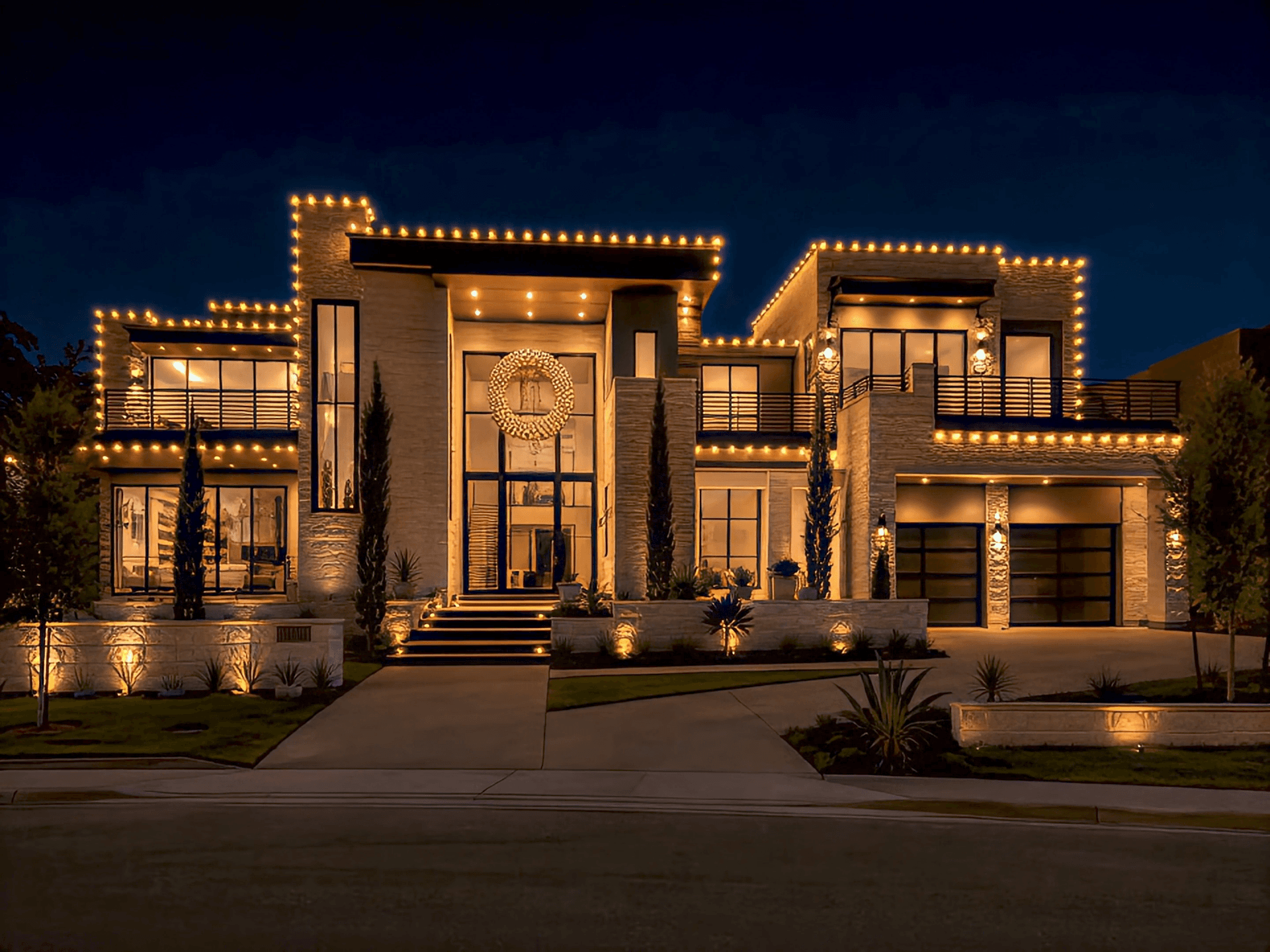 After — AI dusk render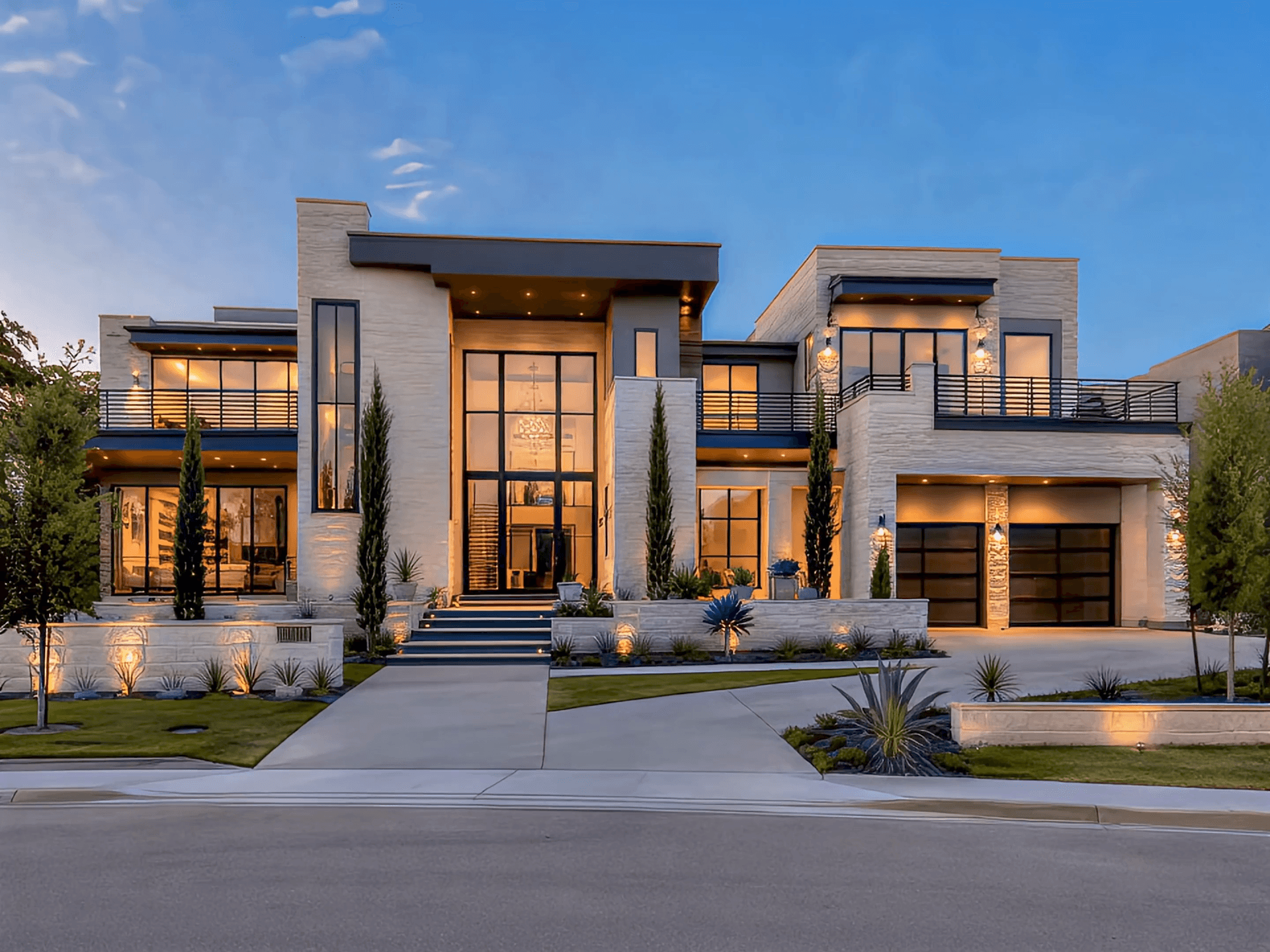
Drag to reveal the same house, converted to dusk with lights only where you drew them.
Turn a daytime photo of a customer's home into a photorealistic nighttime preview. Draw the runs you intend to install (or pick a preset) and the AI converts the scene to dusk and installs only the lights you marked; or open the manual editor and place individual bulb strings, patterns, and decorations by hand. A homeowner who can see their house glowing buys faster and at a higher ticket than one staring at a price sheet.
Two ways to design
Let the AI do it, or do it by hand

AI-Assisted
Draw the runs or pick a preset
Trace the rooflines you intend to install with a bright-cyan guide, or skip drawing entirely and tap a preset bundle. AI converts the photo to dusk and installs the lights in a single render.
Manual editor
Place bulbs by hand
Open the editor and lay down straight, curved, or freehand light strings with full control over bulb size, spacing, and color patterns — then drop in decorations and dial in night-darkness and glow.
Bring permanent lighting to life
Built for permanent lighting — preview the animated, color-changing light show right on the customer's own home, then export it to an MP4 you can attach to an estimate or proposal, or send straight to the client. Below, see how the mockup tool handles the year-round fixtures behind that show.
Feature it on the proposal
Attach the animation to a proposal and it plays right on the page the homeowner opens and signs.
Saved to their file
The clip lives on the customer's record next to their mockups, measurements, and history.
Download & share
Download the MP4 and send it however you like — the show does the selling.
Mock up the year-round fixtures, not just holiday strings
In the manual editor, switch the light style to Permanent and draw architectural lighting on the customer's own home — down-lights along the eave, up-lights on the columns, or individually-lit RGB points. Set any color or build a custom pattern, then bring it to life with Animation Mode above.
 Fixtures lit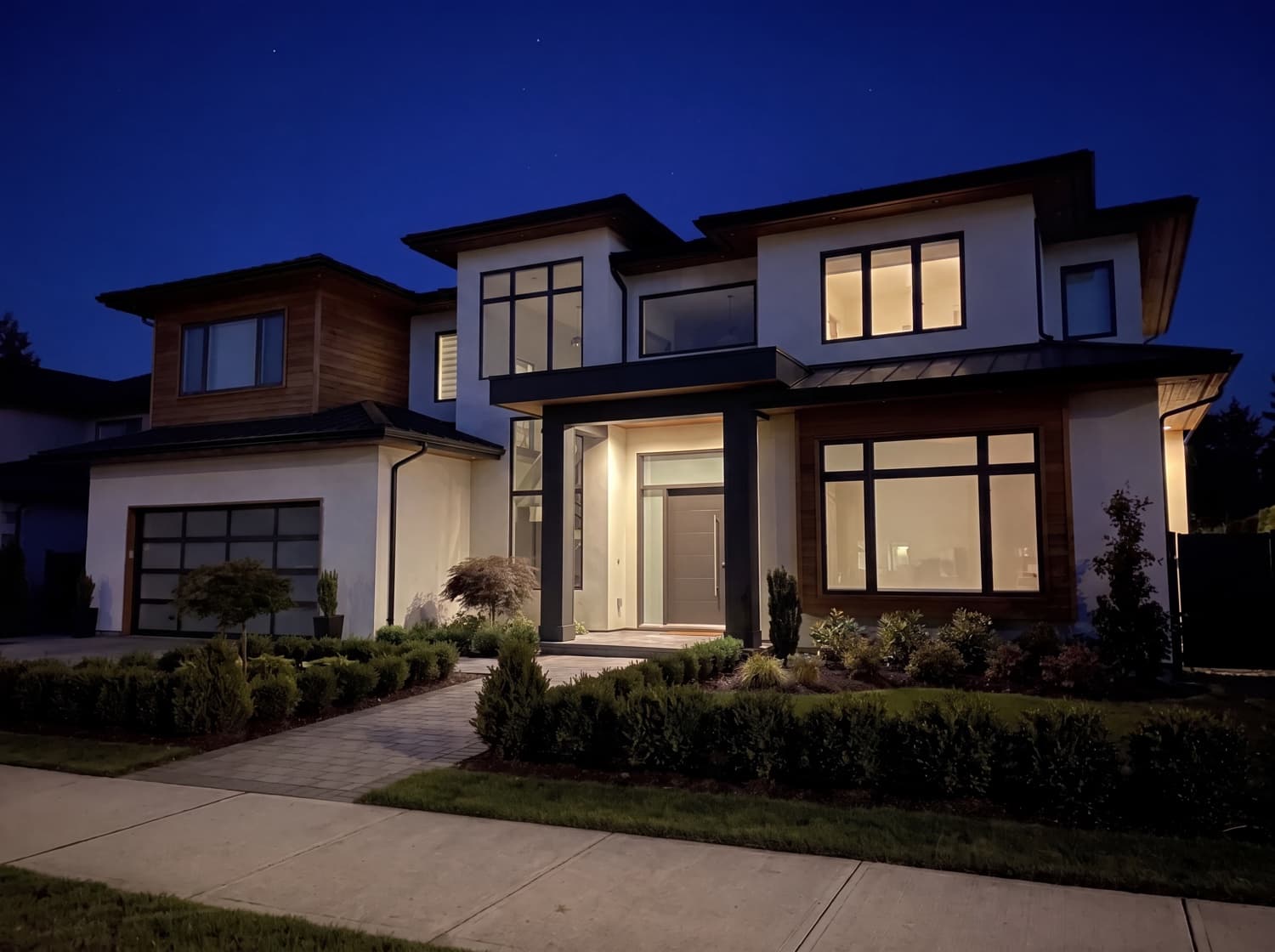
Drag to see the same home with its permanent fixtures switched on.
Down-lighting
Clean eave LEDs: a tight cone washes down from each fixture and blends into a continuous glowing ribbon along the roofline, over a soft wash that lights up the wall. Tune reach, spread, tilt, and spacing per run.
Up-lighting
A single directional cone that washes up a column or wall — the same fixture flipped — so you can preview grazed architectural accents right where the crew will aim them.
Year-round RGB scenes
Individually-lit RGB points you can set to warm or cool white, red, orange, yellow, green, blue, purple, or pink — or a saved multi-color pattern — so the homeowner sees the everyday look, not just December.
The permanent look you draw is what exports — the manual editor, the PNG download, and the animated MP4 all read from the same fixtures, so the preview matches the finished proposal exactly.
What you get
Everything in the Mockups studio

AI-generated mockups
Pick a preset bundle and AI converts the photo to a realistic dusk render and installs the lights in a single pass — a believable mockup in seconds, without drawing a thing.
Renders that match the real install
The mockup reflects what your crew will actually hang — clean rooflines, realistic glow, and the exact bulb style and colors you picked — so the homeowner's expectations line up with the finished job.
Bulb-accurate styling
C9, C7, mini-string, icicle, or classic roofline — in warm/cool white, red, green, blue, orange, yellow, or multicolor, including bulb-by-bulb alternating patterns.
AI-Assisted preset mode with no drawing
One-tap bundles like Regular Holiday, Premium Holiday, and Classic Multicolor, plus custom presets with up to 3 style-reference images.
Manual editing
Straight/curve/freehand light strings with adjustable bulb size and spacing, saved multi-color patterns, placeable decorations (wreaths, signs, inflatables), per-image night-darkness and glow, and multi-photo projects.
Built-in credits & sharing
A before/after comparison viewer, PNG download, and monthly AI credit metering with purchasable packs, automatic refunds on failed generations, and saved mockups shareable on a public proposal or door-drop link.
Sell the glow, not the price sheet
Mockups is built into LightMaster. Turn a daytime photo into a dusk-lit preview your homeowner can picture on their own house — and close at a higher ticket.